Partner Profile Edit
There are two ways to edit a senior partner, partner and agent profiles. An admin can edit all of these profiles. The second one is to login to a partner profile and change from there.
Edit through Admin
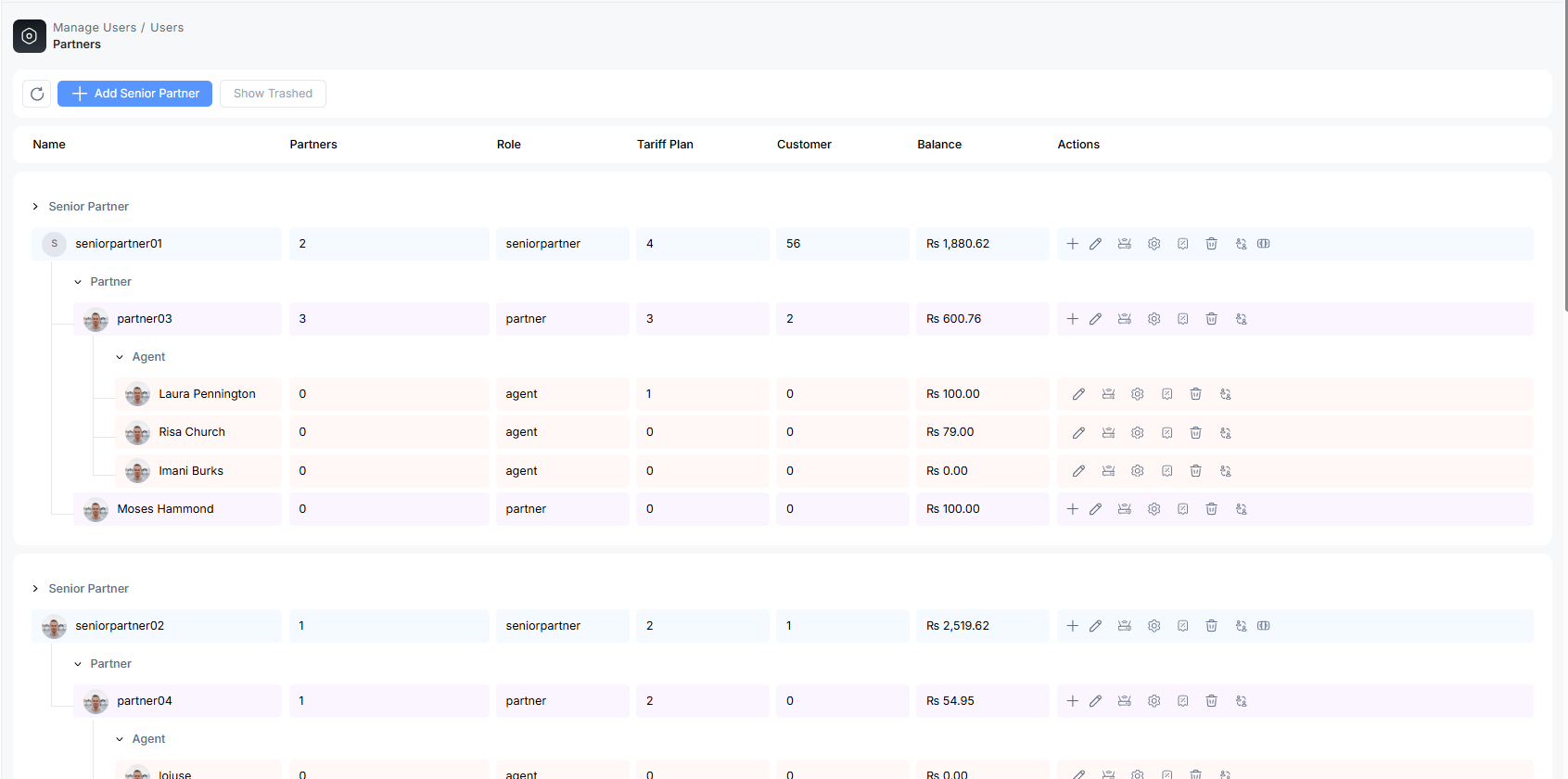
Go to the admin profile, visit the managed user section of ALT Radius. Select the profile that has to be edited.
Log in with Partner Account
Click on the senior partner/partner/agent account in the right corner. Click on the profile to edit. You can change profile pictures and other information here. After changes, click on save.
Or, you can go to manage user options, then partner to edit the profile.
If you are a senior partner, you can edit the information of all partners working under by opening the partner section and editing information there.

