Super Admin Setting
For setting up an environment, an ISP is provided with a super admin account. The person creates an ISP and branches for further use. You can visit the workflow for details on ALT Radius and understand the workflow.
Edit a Super Admin Profile
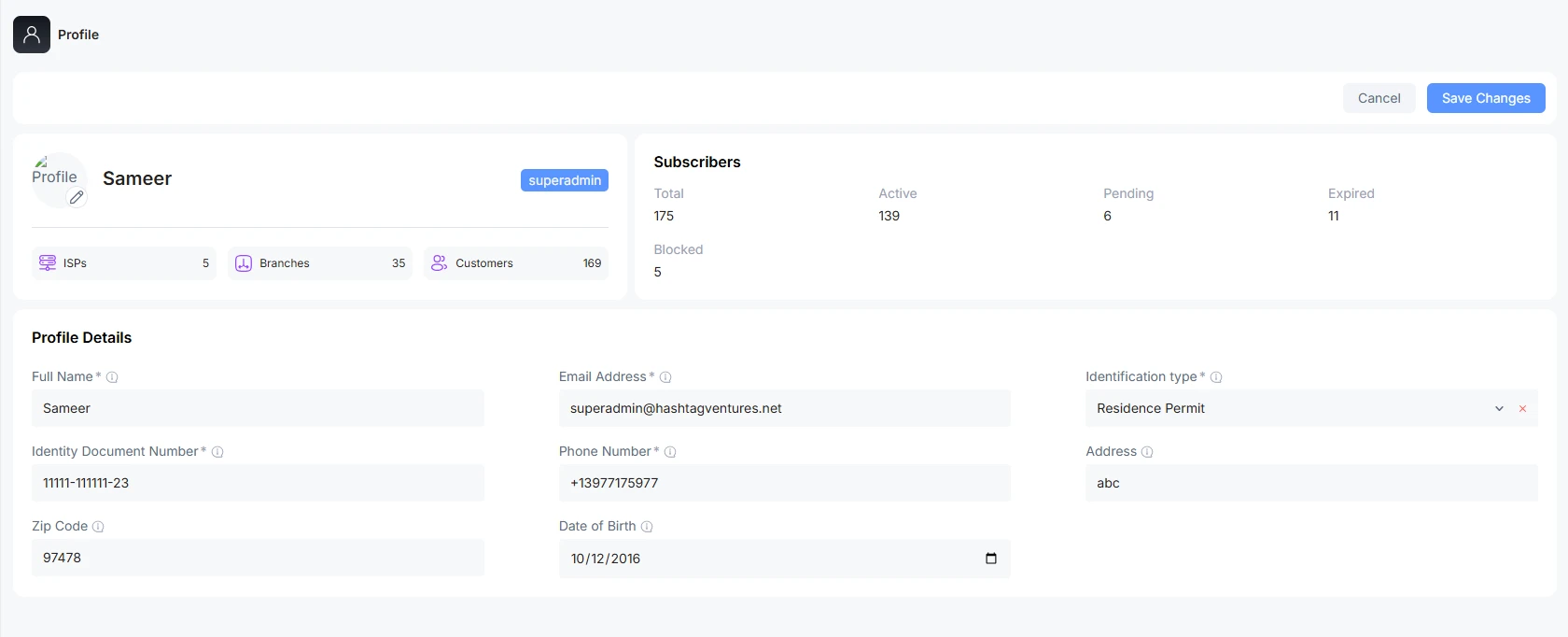
A super admin can edit his or her profile information.
Full Name: Type full name controlling the superadmin operation
Email Address: Provide an authentic email address used for login into the superadmin account and getting notifications
Identification type: the type of document used for the identification of a person
Phone number: Valid contact number of superadmin
Address: ISP physical address
Zip Code: Zip code of the area
Date of Birth: the date of birth of the superadmin
Change Profile Picture and Password
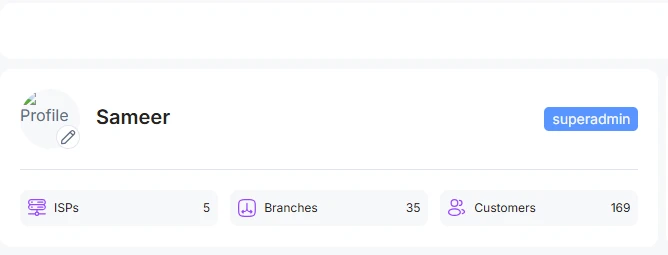
You can edit the profile photo by clicking on the profile pic. Upload the picture from the system.
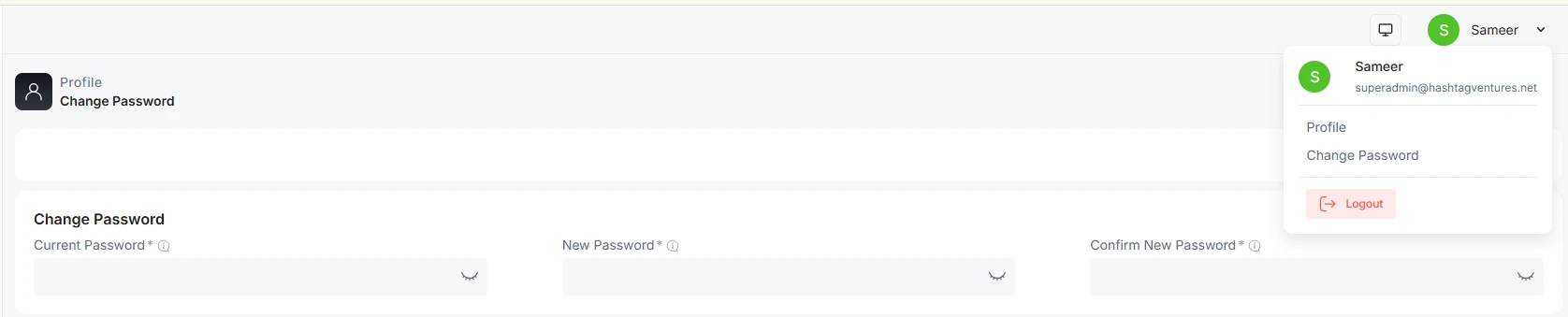
A password can be changed by clicking on the right corner. Go to change the password. Type the old one and the new one. Then save to edit.
Another way of changing a password is to click on the change password button as you open up the profile
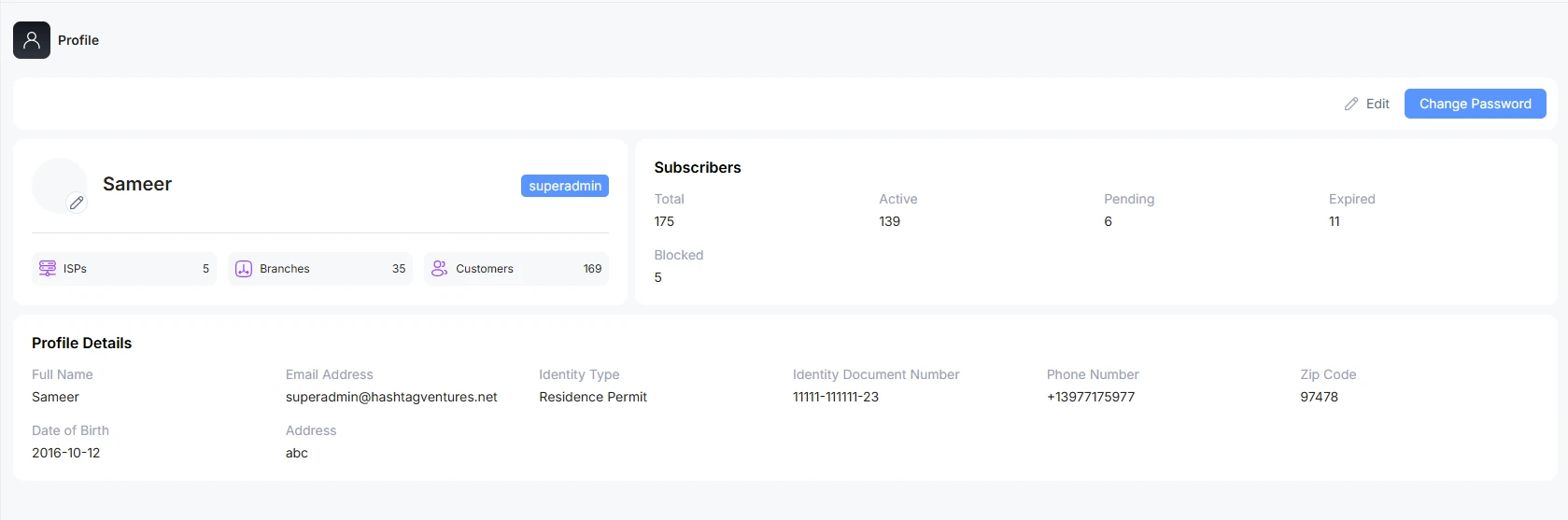
Super Admin Profile Representation
The super admin profile presents a complete overview of how many ISPs are working under the same name. How many branches have been created for each ISP’s name? Total number of customers overall.
Customers Overview
This section presents the number of total customers, Active customers, pending one, expired, and blocked

System Theme
ALT Radius offers a Dark and Light theme for its users. By default system theme is light with a white background. You can change to Dark according to the feasibility of use.


