Add a Customer
Adding a customer
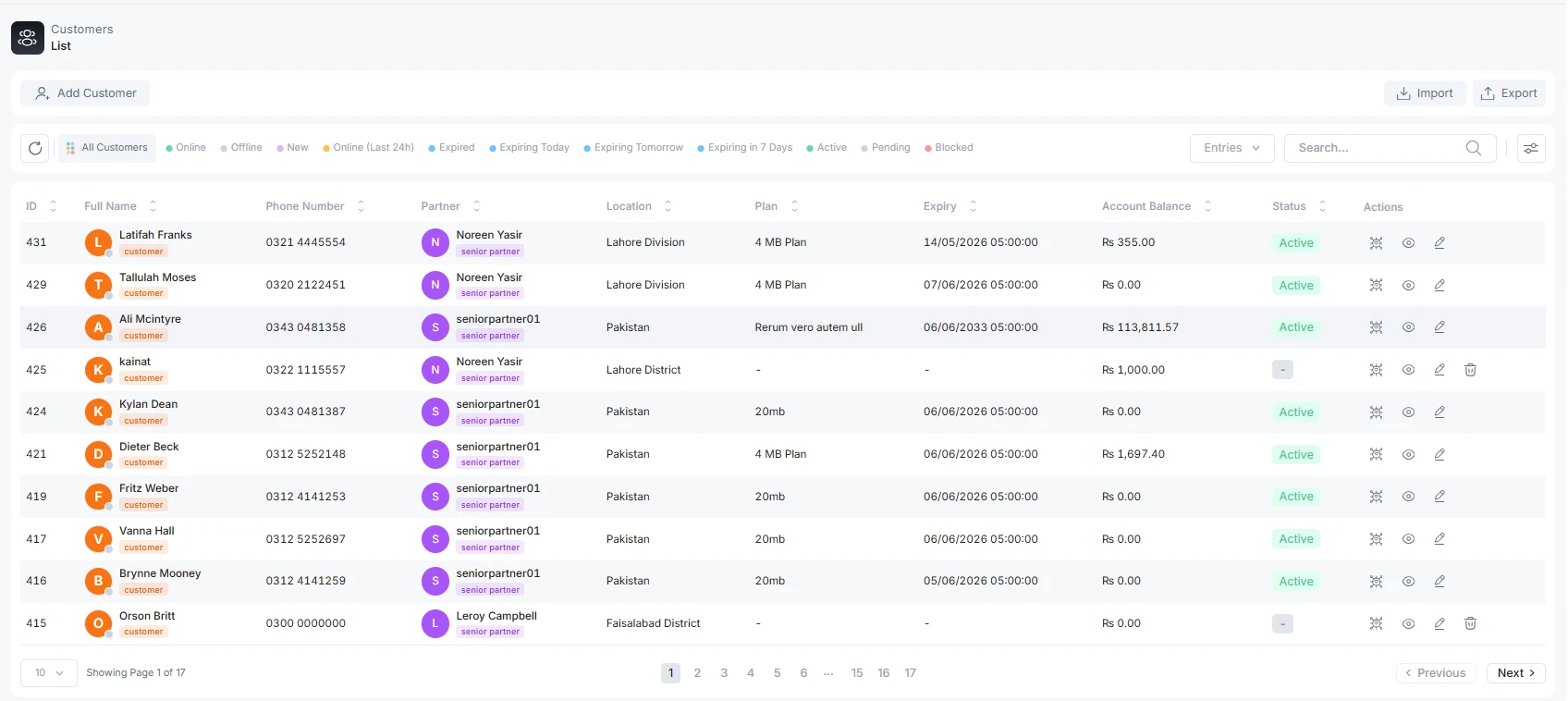
To add a new customer, visit the customer tab option. Whether you are an admin, senior partner, partner, or agent, you will create a customer account by clicking on the customer tab on the left sidebar. Now, click on Add customer.
Form Filling
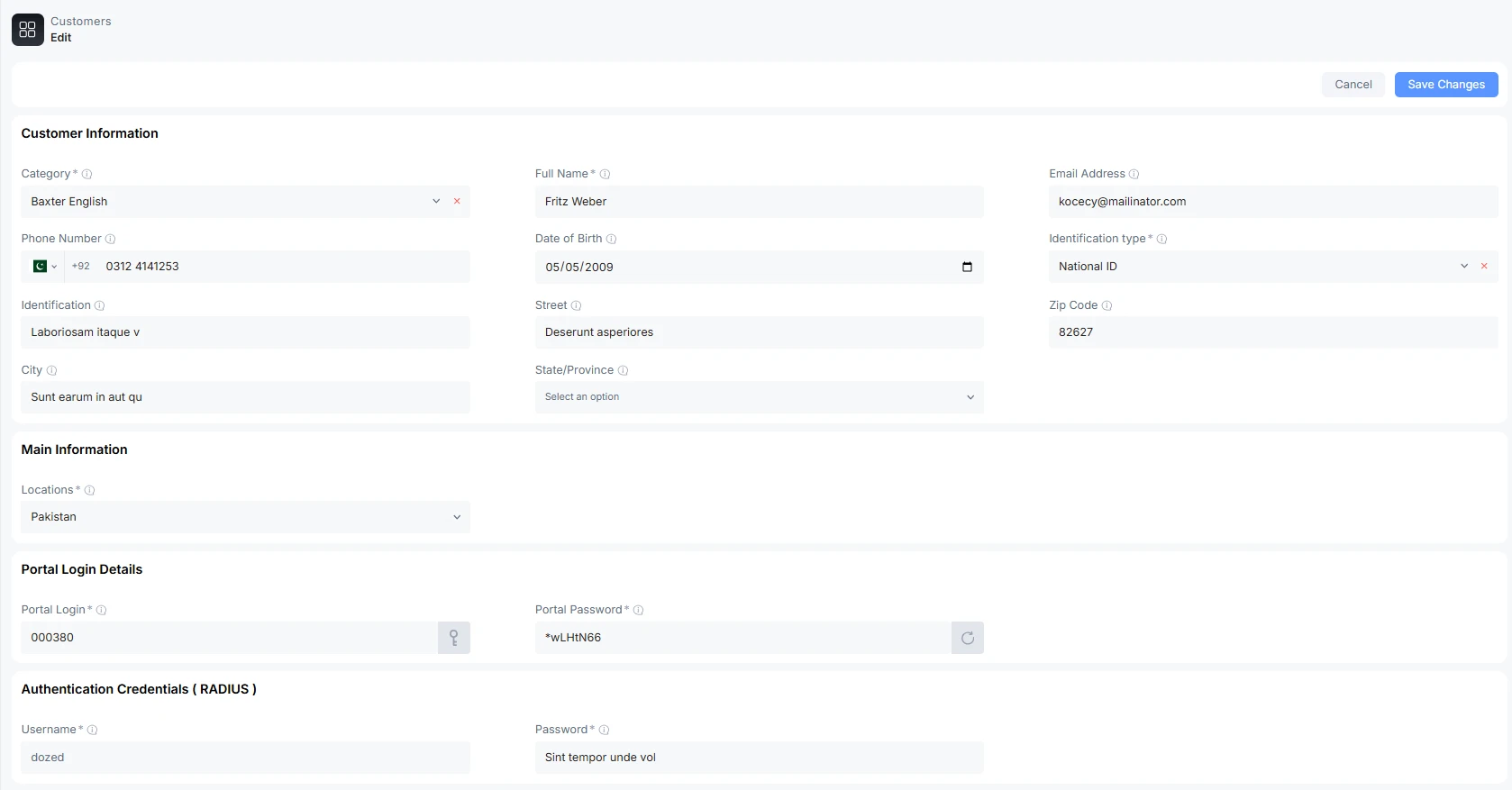
Fill all the required fields
Category: Select the type of category the customer uses. Business or home user.
Full Name: Customer's full name
Email: Customer's active email address
Phone Number: Customer’s phone number for SMS notification
Date of Birth (optional)
Identification type: Customer can present any one document for ID identification: passport, National ID, Driving License, Residence Permit, or Voter ID
Identification: the identification number of the chosen number
Street: the physical address of the customer
Zip Code: City zip code
City: customer’s city
State/Province: the state/province of the customer address
Main Information:
-
Partners: The partner's name, dealing with the customer
-
Locations: The location names under the control of a partner
Portal of the customer
-
Login: Customer’s portal access login number/click on key to autogenerate login number
-
Password: Password for the customer’s portal
Radius Authentication Credential
-
Username: The name of the customer is recognizable and used as a login for a home or business router
-
Password: Password for router
Once you fill in all the information, click on Save Changes. A customer is added successfully.
Best industry practice
As an ISP, you can follow these practices while adding a new customer
-
The correct associated Senior Partner/ partner/agent for a particular area should add a new customer, not others
-
The tariff plan selected is active
-
The plan pricing is updated
-
Verify phone number and ID card
-
Check for duplicate phone numbers
-
Check for duplicate identity allowed
-
Verify a unique username

